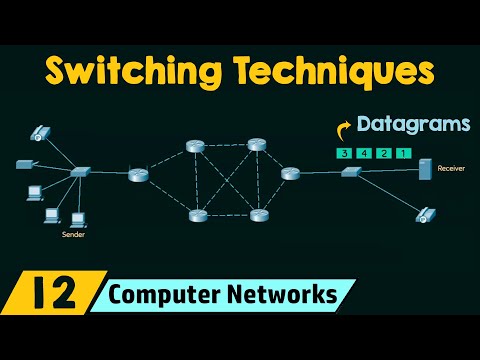
Definition: Message Switching is a communication technique where the entire message is transmitted from source to destination through intermediate nodes.
1. Select Outputs (Popup):
When you open the Home screen, a popup will appear asking you to choose which results you want to calculate. You can select one or multiple options such as Transmission Time, Total Delay, Bandwidth Info, Propagation Delay, and Throughput.
2. Dynamic Input Fields:
Based on the outputs you select, only the required input fields will appear. For example:
If you select Transmission Time → you need Message Size and Bandwidth
If you select Total Delay → you also need Number of Nodes
This avoids unnecessary inputs and makes the simulation easier.
3. Message Size:
Represents the total data being sent. You can enter it in:
bits
bytes
kilobytes (KB)
The system automatically converts everything into bits.
4. Bandwidth:
This defines how fast data can travel through the network. You can enter:
bps (bits per second)
kbps (kilobits per second)
Higher bandwidth means faster transmission.
5. Number of Nodes:
Nodes include the source, destination, and intermediate devices.
More nodes increase delay because the message is stored and forwarded at each node.
6. Calculated Outputs:
Transmission Time: Time taken to send the message over one link (Message Size ÷ Bandwidth)
Total Delay: Total time taken across all nodes
Bandwidth Info: Displays the bandwidth used
Propagation Delay: Time for signal to travel across nodes (simulated)
Throughput: Effective data transfer rate
7. Visualization:
After running the simulation, nodes are displayed graphically.
The red moving dot represents the message (packet) traveling between nodes.
8. Restart Button:
Resets the simulation and allows you to start fresh.
9. Download Report:
Allows you to download the output results as a text file for reference.
10. Dark Mode:
Use the 🌙/☀️ button in the top navigation bar to switch between light and dark themes.